
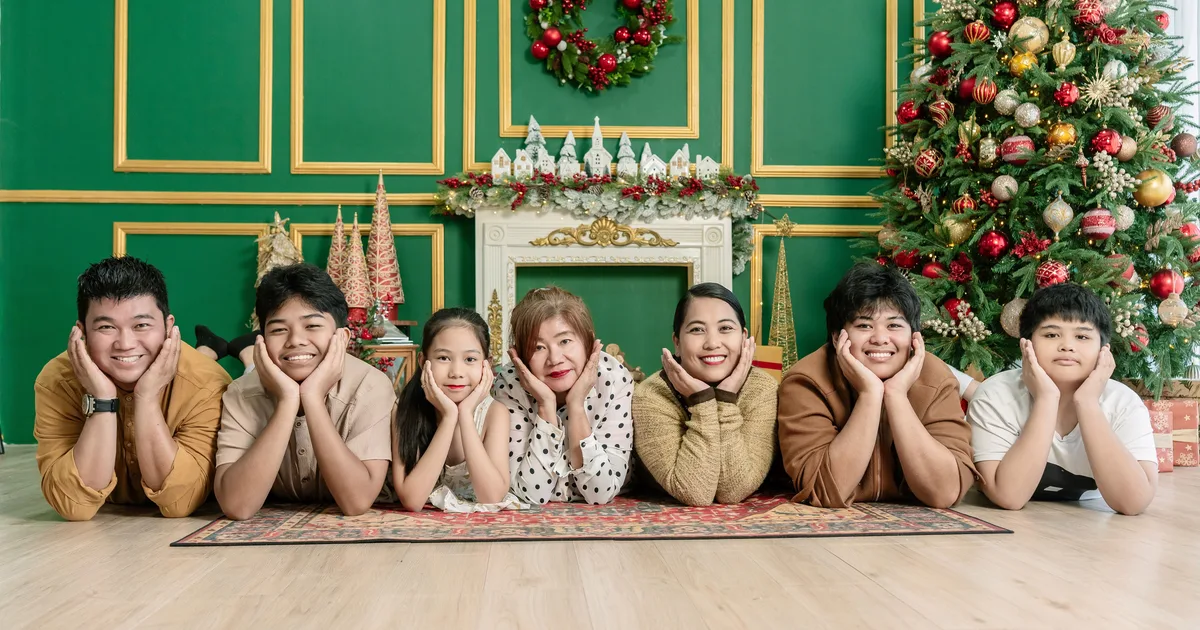
A good AI Christmas photo prompt does two jobs at once. It describes the festive scene in full sentences, and it names what must stay the same about the people in your picture. Upload the photo to an image model such as Google's Nano Banana or OpenAI's GPT Image, open with "Using the provided photo", describe the setting and the light, then close with a line that locks every face in place.
Skip that last line and the model will hand you a lovely card starring a family that looks like yours from across a car park. The prompts below are written to stop that, and each one is ready to copy.
What goes into an AI image prompt for a Christmas photo
An image editor needs to know two things: what to change and what to keep. Most weak Christmas prompts cover the first half and forget the second.
Google's own guide for its Gemini image models opens with one rule: "Describe a scene in rich detail." A sentence gives the model relationships between things, such as where the tree stands and which way the light falls. A pile of keywords gives it nouns and leaves the arranging to chance.
A prompt that holds up has these slots, in this order:
- Anchor: "Using the provided photo of…", so the model edits your picture and keeps it as the base.
- Scene: the place and what sits where.
- Light: where it comes from and how warm it is. Tree lights and a single lamp read as Christmas; flat overhead light reads as an office party.
- Camera: lens and angle, such as "eye level, 50mm, shallow depth of field".
- Wardrobe and props: what changes on the people, if anything.
- Lock line: what must stay exactly as it was.
Type "christmas, cozy, festive, 4k" instead and you get the statistical average of every holiday stock photo ever taken: a living room that belongs to nobody, decorated by a committee.
Six AI Christmas photo prompts to copy
Each prompt assumes you have uploaded one clear photo first. Swap the bracketed parts for your own details.
The classic tree portrait
Using the provided photo of our
family, place us in a warm living room
on Christmas Eve. A tall decorated fir
tree stands behind us on the left,
with soft white fairy lights and
wrapped gifts at its base. The light
comes from the tree and a lamp on the
right, warm and low. Shot at eye level
on a 50mm lens with a shallow depth of
field. Keep every face and expression
exactly as in the original.
The snowy street at dusk
Using the provided photo of [names],
move us onto a narrow village street
at dusk after fresh snowfall. Shop
windows glow amber behind us and light
snow falls in the foreground. Give
each of us a wool winter coat over
what we are wearing. Keep our faces
and body proportions unchanged from
the original photo.
The matching jumper swap
Using the provided photo, change only
our tops to matching knitted Christmas
jumpers, deep green with a white
reindeer pattern. Keep everything else
in the image exactly the same,
including our faces and the
background.
This one follows the template Google recommends for small edits: change only one named element and keep everything else. It is the safest edit in the set, because the model touches the least.
The 1970s snapshot
Transform the provided photo into a
Christmas snapshot from the 1970s.
Make it look like a faded colour film
print with a warm orange cast and fine
grain, finished with a white paper
border. Keep the people and their
poses as they are.
The dog in a Santa hat
Using the provided photo of my dog,
add a small red Santa hat sitting
slightly tilted on her head. Keep her
fur colour and markings exactly as
they are. Replace the background with
a softly blurred room lit by Christmas
tree lights.
The card with a message
Turn the provided photo into a
landscape Christmas card. Leave a
plain cream band across the bottom
fifth of the image. In that band,
write "Merry Christmas from the
[family name]" in a dark green serif
font, centred. Spell it exactly as
written. Keep the people exactly as
they are.
Put the exact words in quotation marks and keep them short. OpenAI's image generation documentation admits its model "can still struggle with precise text placement and clarity", so check every letter before you print fifty copies.
Why faces drift, and the line that keeps them
An image model redraws the whole picture on every edit. It rebuilds your face from what it has learned about faces in general, so small features slide toward an average unless you tell it to hold them.
Google's guide shows the fix in its own example: "Ensure the woman's face and features remain completely unchanged." Write that sentence for every person in the shot. Then give the model a source it can hold on to: one well-lit photo with every face turned toward the camera and nobody half hidden behind a cousin.
Group size matters more than people expect. Google's model table lists up to four characters for Nano Banana 2.1 and up to five for Nano Banana Pro. Ask for a family of seven and somebody's uncle comes back as a slightly more handsome stranger. He will not complain. Everyone else will.
For large groups, edit in passes, or build the scene from separate photos with Google's composition template, which begins "Create a new image by combining the elements from the provided images." OpenAI's edit endpoint takes several input images too.
Before you upload photos of children, open the tool's data settings and check whether uploads are kept to train models. Turn that off where the option exists, and use the tool's delete control once you have the image you want.
Which models of AI tools handle Christmas edits
Both big providers now edit photos with the same models they use to generate images. The differences show up in group size and text.
| Model family | Strength for Christmas photos | Watch for |
|---|---|---|
| Nano Banana 2.1 (Google) | Fast everyday edits, up to 4 people kept consistent | Large groups |
| Nano Banana Pro (Google) | Complex scenes, up to 5 people, style references | More model than a single portrait needs |
| GPT Image 2.5 (OpenAI) | Edits from several input photos, sizes up to 4K | Text placement, consistency across repeat generations |
For a printed card, ask for a larger output. Google's Gemini 3 image models produce 1K images by default and can produce 2K or 4K. On the OpenAI side, the docs mark anything above 2560x1440 as experimental.
Every image from Google's models carries a SynthID watermark, an invisible marker that identifies it as AI-generated. Your aunt will not see it. A detection tool will.
A system prompt, meaning the standing instructions a chat app gives the model before your message arrives, also shapes the result. That is why the same prompt can look different in a chat app and in the API. If you want more on reading an existing photo into a prompt first, our guide on how to create an AI prompt from a photo covers the extraction step.
What a negative prompt in AI does to a festive scene
A negative prompt is a list of things you want kept out of an image. Some image tools give it a separate field. Chat-based editors usually have no such field, so the instruction ends up inside the main prompt.
There, it often backfires. Writing "no snow" puts the word snow into the model's attention, and the scene starts thinking about snow. Ask for "no Santa" and Santa has a decent chance of turning up anyway, having read only the noun.
Describe what you want in its place. "A clear, dry evening street" works better than "no snow", and "an empty armchair beside the tree" works better than "no Santa". Lock lines are the one exception, because "keep the faces unchanged" names what to protect.
Before you print: a checklist and a prompt file
Run through this before the card goes to the printer:
- Every face checked against the original, at full size.
- Hands counted. Image models still miscount fingers now and then.
- Every word of the greeting spelled correctly.
- Output at 2K or larger for print.
- The family member who hates photos has approved theirs.
Then save the prompt that worked, together with the source photo and the model name, in one folder. Next December you change the year and the jumpers. Our post on building an AI prompt library shows a simple way to file prompts so they survive a year in a drawer. If you want the photo to move, the same scene-first habit carries over to video, as our Grok slow-motion prompt guide shows.
Prompting an image model well comes down to describing structure, and that skill travels. AI Prompt Engineering by Nelson Ming covers image and video generation alongside the core prompting techniques, with patterns that hold up long after the tinsel goes back in the loft.